How to build a launch content folder before announcement week
Announcement week gets messy when every asset is still in someone’s camera roll, inbox, Canva file, or old download folder. A launch folder gives the team one place to work from.
01
Create folders by use, not by camera
Camera folders are convenient for production. They are not convenient for a team trying to launch something.
Split the final delivery into practical folders: website, Google profile, social posts, stories/reels, email, partner/press, and archive.
02
Include copy starters with the visuals
A launch folder becomes more useful when photos and clips sit beside caption starters, announcement copy, product/service notes, and any important dates.
This does not need to be a full campaign strategy. It just needs to make the next action obvious.

03
Name files like humans will use them
A filename like IMG_8421 does not help anyone. Use clear names that describe the channel, subject, and sequence.
The easier the file is to find, the more likely it gets used.

Visual assets
Use the visuals to make the idea practical.
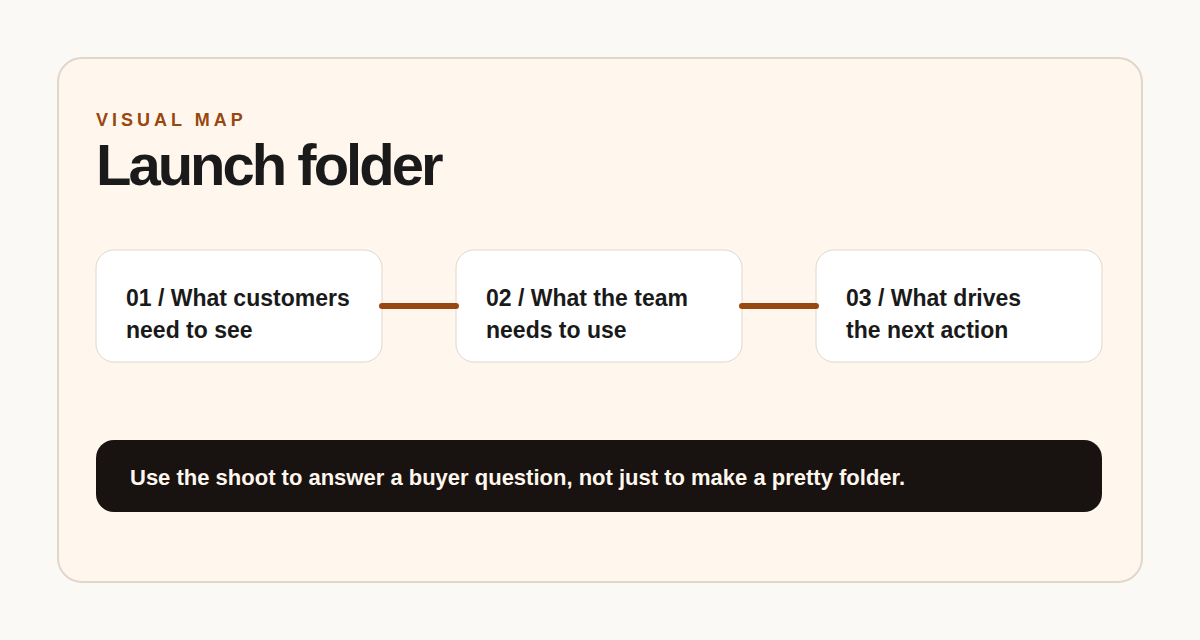
Launch folder structure
Organize assets by channel and deadline before the final week.


Next step
Launch coming up?
FRAME can help shoot and organize the launch folder before the final week turns into a scramble.