Monthly content support: what to capture so the business stays current
Some businesses change too often for one annual photo day. New staff, seasonal offers, events, service changes, and customer questions keep appearing. Monthly support keeps the public version closer to the real business.

01
Start each month with what changed
The monthly shoot should not reset from zero. Start with what changed: staff, service, menu, space, offer, customer questions, seasonal work, or upcoming deadline.
That list becomes the practical shot list.
02
Capture enough variety for the month
A good monthly set usually needs a mix of evergreen photos, timely updates, people, process, and a few short clips.
The business should leave with enough material to update the website, Google profile, and social pages without inventing content from scratch.

03
Keep a visible archive
Monthly support compounds when every folder is named and easy to browse. The business can reuse seasonal material, compare what changed, and avoid asking the team to find random old files.
A simple archive is not glamorous, but it is what turns photo/video into an operating system instead of a one-off expense.

04
Use the monthly rhythm to keep public pages current
When the business updates its pages, Google profile, posts, and service notes with current photos, the public version starts to feel closer to real life.
That rhythm makes the business easier to understand because customers are not looking at last year’s version of the place.

Visual assets
Use the visuals to make the idea practical.
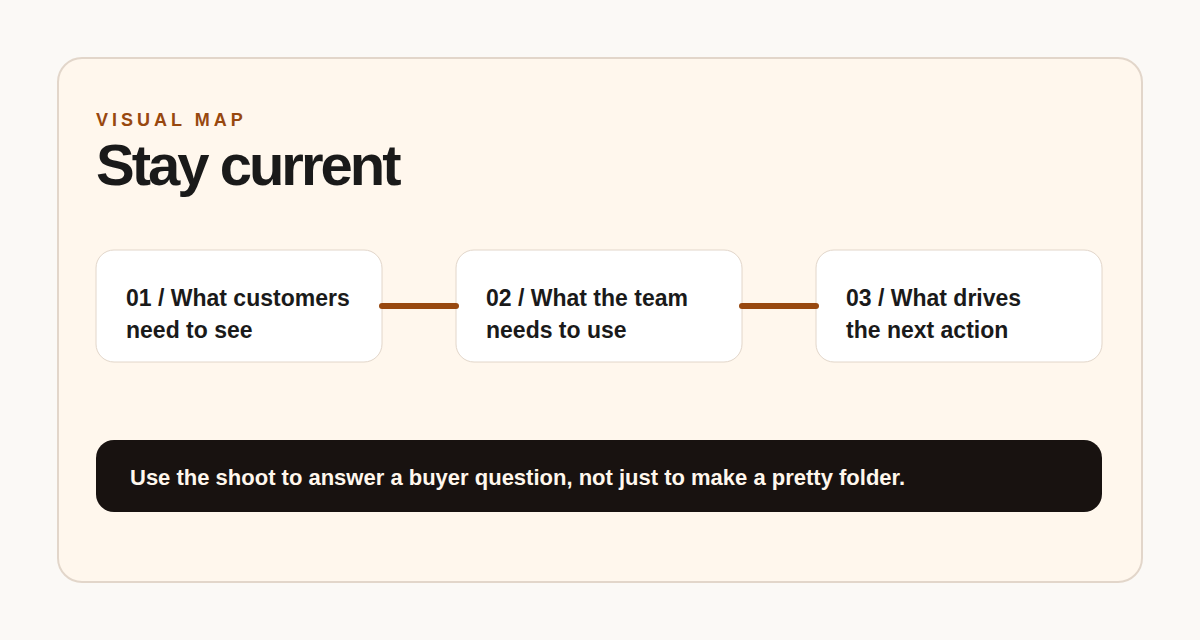
Monthly rhythm
Review what changed, capture the useful material, update the folder, repeat.

Next step
Need a steady refresh rhythm?
FRAME can help build a monthly photo/video routine around what changed and what customers need to see next.