Before a website refresh: the photo and video shot list that saves time
A website refresh stalls when the business has no current visual proof. The designer can improve layout and copy, but weak photos still make the business feel vague. A simple shot list prevents that.
01
Shoot for the homepage first
The homepage needs images that explain the business fast. That usually means a strong hero image, one or two people/customer moments, and a few support images for services or trust sections.
A generic image can make a good website feel unfinished. A current, specific image can make a simple website feel credible.

02
Build the services page visually
Each service should have at least one image that makes the work easier to understand. For a local business, that may be a process photo, a before/after-style detail, a product closeup, or a customer-facing moment.
The question is not “is this pretty?” The question is “does this help a customer understand what happens next?”

03
Do not forget trust photos
Trust photos are the images that make the business feel real: team, owner, space, tools, process, and small details. They help reduce the gap between a customer reading the site and contacting the business.
If the only images are polished hero shots, the site may look designed but still feel thin.

04
Add short clips where motion helps
Short video does not need to become a full production. A few clean clips can support website headers, Instagram reels, Google updates, and sales conversations.
Capture motion where it explains something static photos cannot: service flow, space feel, product use, preparation, team energy, or customer arrival.

05
Deliver files by page and use case
A website refresh moves faster when the photo folder is organized by page section. Name files clearly and separate hero candidates, service crops, team photos, detail shots, and social cuts.
The folder structure is part of the deliverable. It keeps the website work from turning into a scavenger hunt.

Visual assets
Use the visuals to make the idea practical.
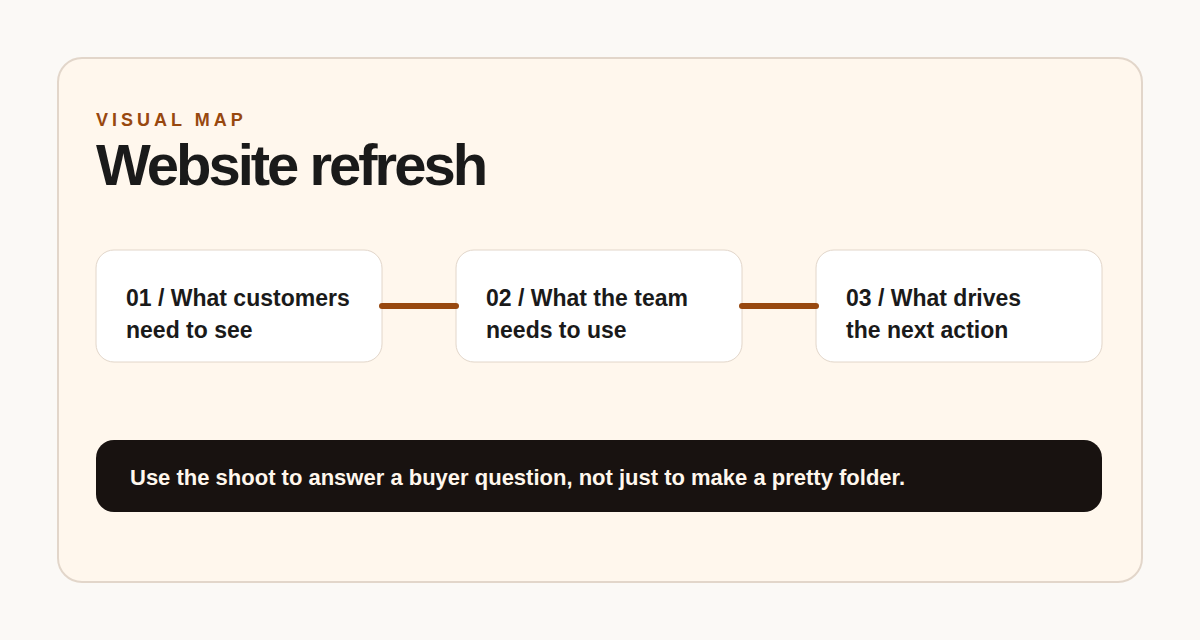
Page-by-page shot list
Map every photo to a page job: explain, prove, reassure, or convert.
Next step
Planning a website refresh?
FRAME can help capture the visual proof before the design work gets stuck waiting on photos.